 ProfCalendar
Use the same account on Android and in the browser. Google sign-in is available when configured; email and password always work.
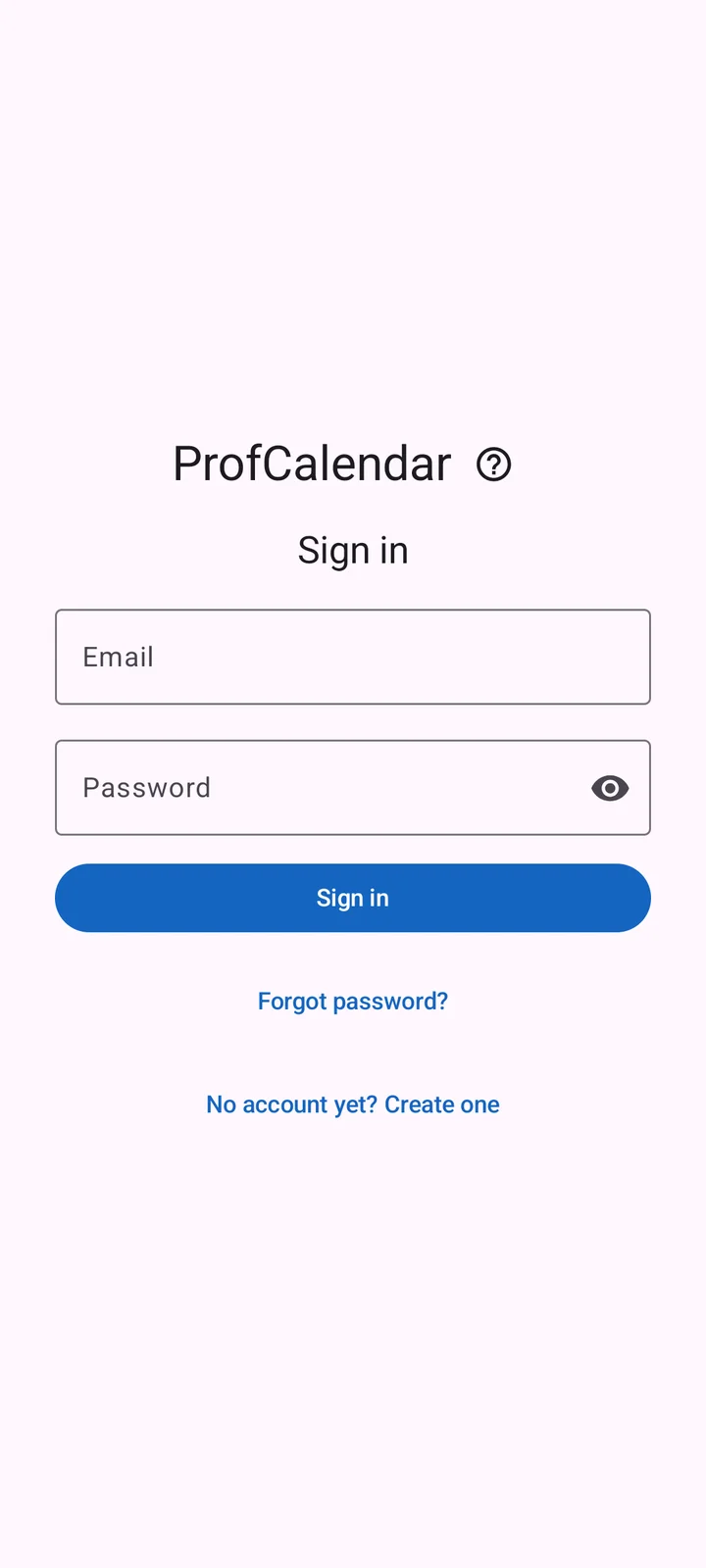
- Choose Google or enter your email and password. To register, switch to the create-account mode.
- After email registration, open the confirmation email, including your spam folder. Then return and sign in.
- If you forgot your password, choose Forgot password? on the sign-in screen. Open the email and set a new password in the web app.
Do not create a second account to recover missing calendars: access belongs to your original account.
If it still doesn't work
Read related help or contact support. Tell us the app version and what you tried; never send passwords or private calendar contents.